
How to Sign Up for Playbypoint & Join MTA Pickleball Club
Step 1: Download the Playbypoint App
Instructions:
Go to the App Store (iPhone) https://apps.apple.com/us/app/playbypoint/id1555133217
or Google Play Store (Android) https://play.google.com/store/apps/details?id=com.playbypoint.appx&pcampaignid=web_share
Search for Playbypoint.
Download and install the app.
Open the app.
Step 2: Create Your Account
Instructions:
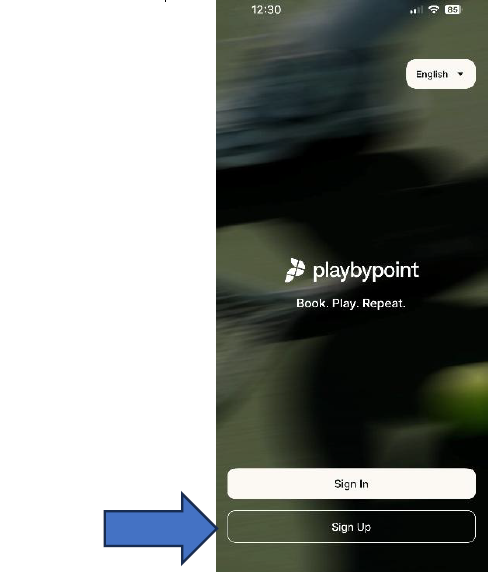
On the welcome screen, tap Sign Up.
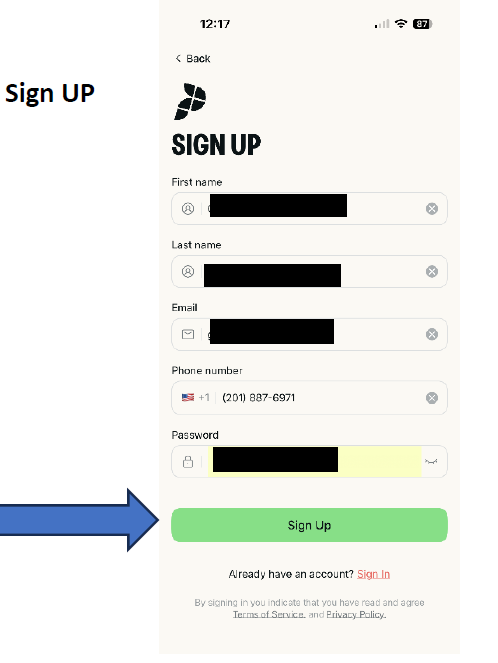
Fill in your personal details.
Tap Sign Up to create your account.
Check your email for a verification code.
Enter the code in the app to confirm your account.
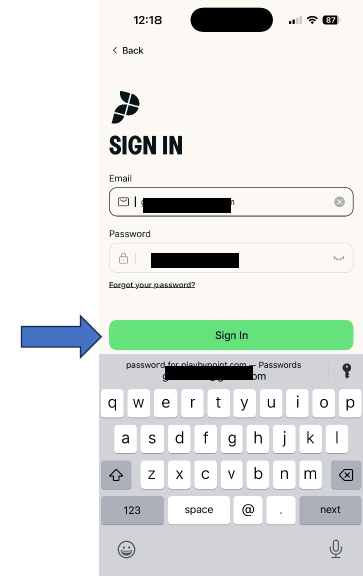
Log in using your email and password.
Step 3: Find & Save MTA Pickleball Club
Instructions:
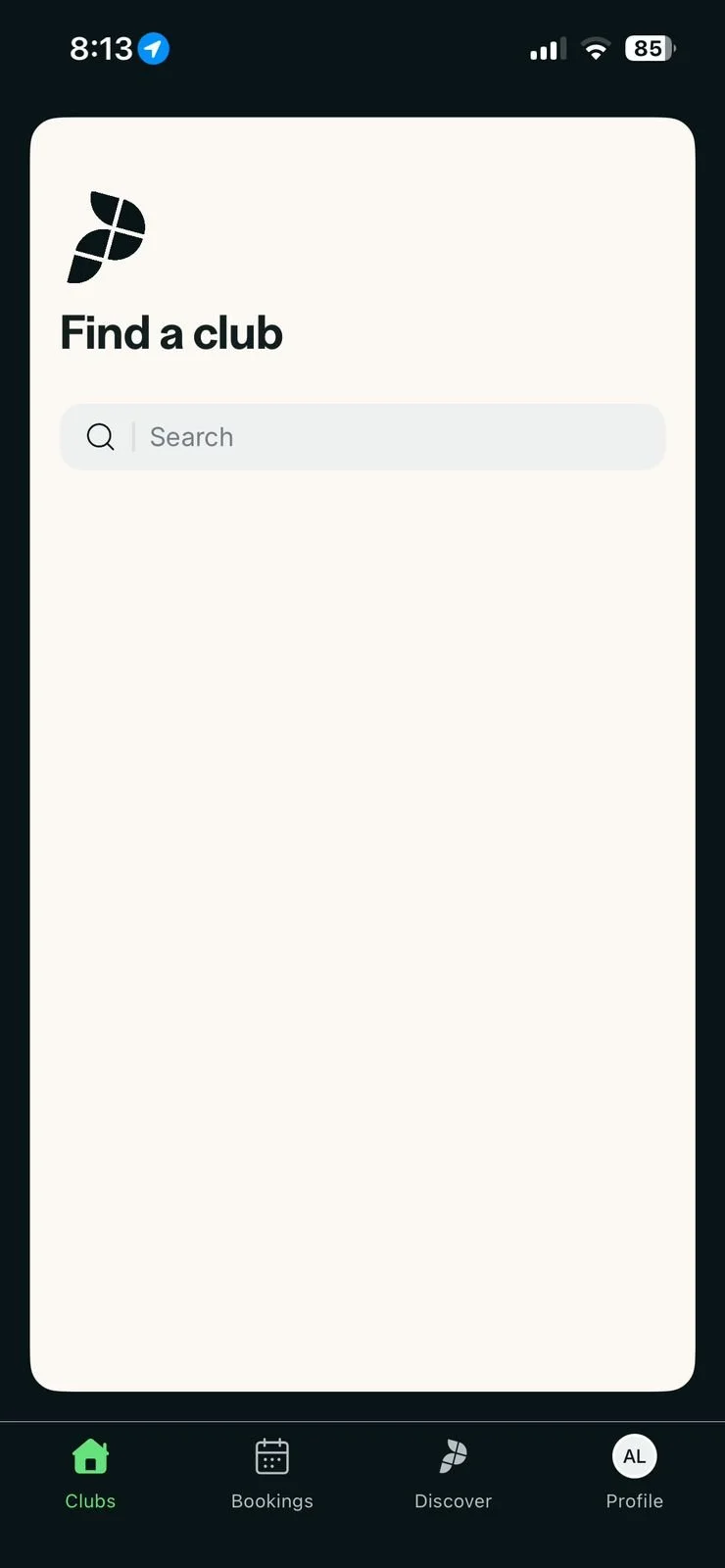
Once logged in, go to the Discover tab.
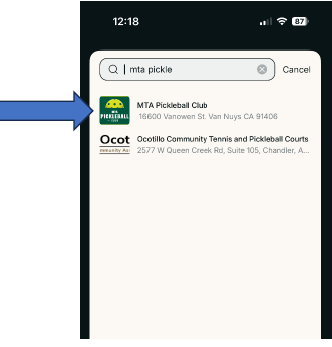
In the search bar, type MTA Pickleball Club.
Select the club from the search results.
Tap the heart icon to save it as your preferred facility.

Step 4: Join the Club
Instructions:
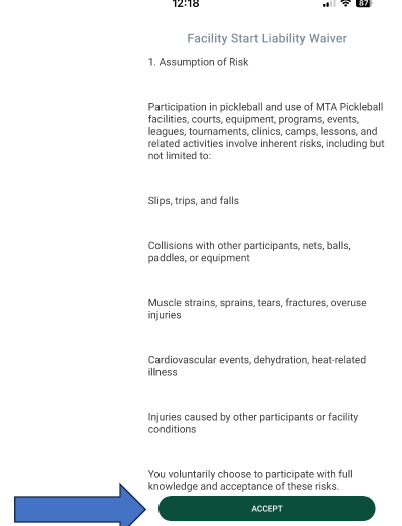
After selecting the club, you’ll see the Facility Liability Waiver.
Carefully read through the waiver.
Tap Accept to join the club.
Driven by curiosity and built on purpose, this is where bold thinking meets thoughtful execution. Let’s create something meaningful together.